
How do I connect my Shopify Listing to Corjl?
Please Note: Listings have autosave—no need to search for a save button when you make changes.
Before You Start
Ensure you've already integrated your Shopify shop with Corjl. Without that, you won't be able to click into Integrations (step 2).
Additionally, have your Shopify Product ID ready (needed in Step 3). Find it in your Shopify Shop Manager under Products – just select the Product you want to connect. The Product Listing ID is the 13-digit number shown in the listing URL address.

Connecting Your Corjl Listing to Shopify
- Navigate to the Listings Page and pick out your listing if you're not already there.
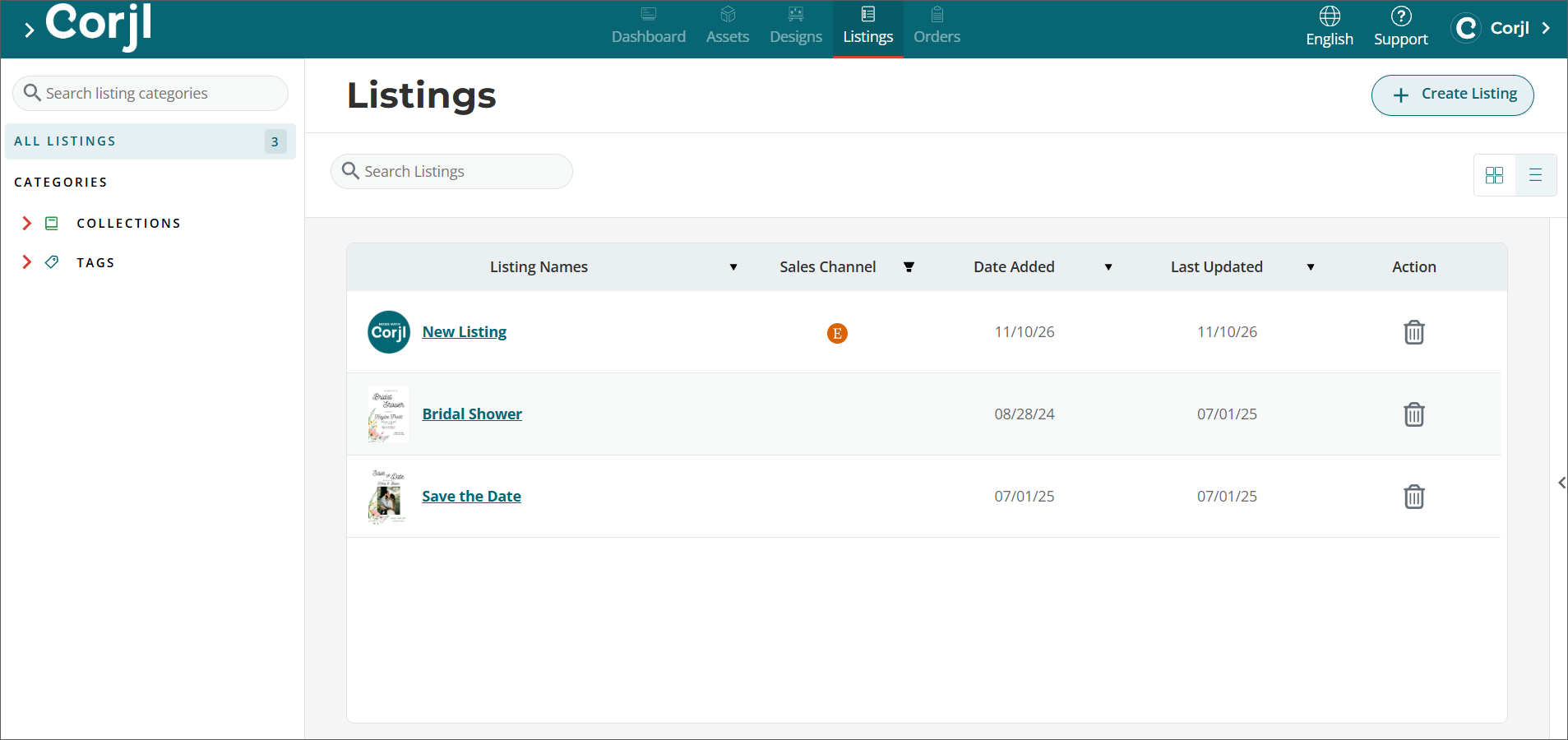
- Now head into your Integrations tab. All integrated shops will become sub-tabs: click on the Shopify tab option.

-
Next, click on the + Add Shopify Product button and type in your Product ID.
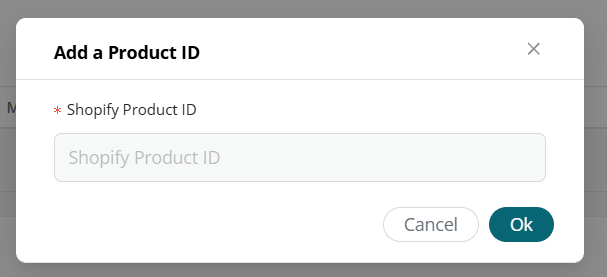
-
Once you've entered the Product ID, you will have access to the Demo Code and Demo Link for the Etsy listing.
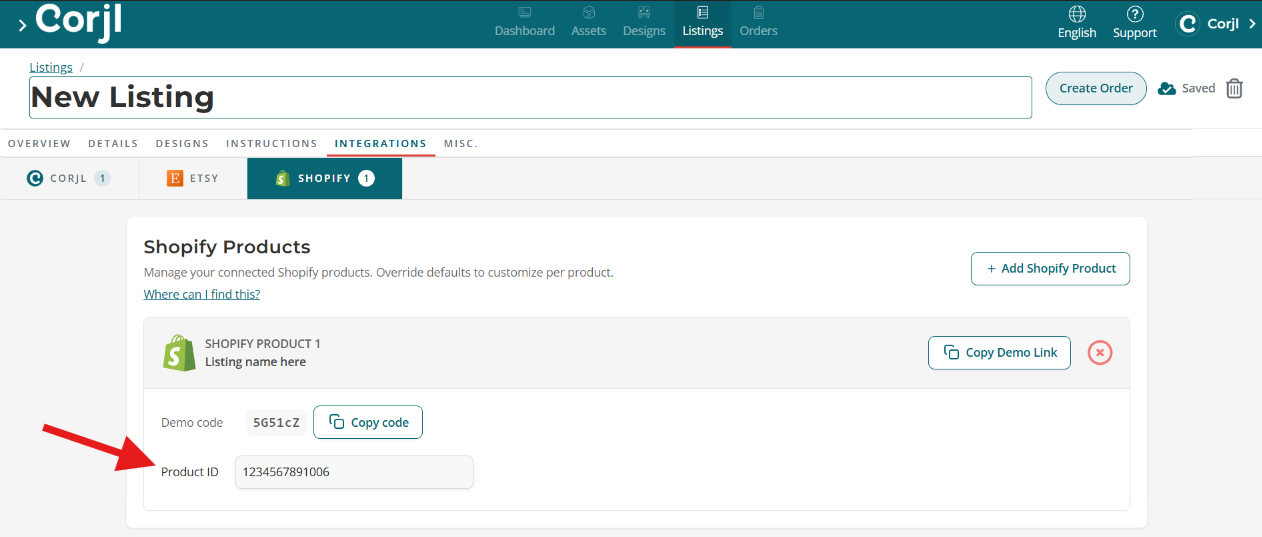
Now, assuming those listing IDs were copied and pasted correctly, you are all set to start receiving orders when someone makes a purchase from your shop!