
PDF Upload Tool
In Beta
This option is in Beta and only available upon request. Please contact Corjl support (email support@corjl.com) to enable this option in your account.
You can now upload unflattened PDFs into Corjl and they will be converted and added to your Designs area!
🔢How to Upload PDF Files
Follow these easy steps to add uploaded PDF files to your Corjl Designs:
- Click on the Upload PDF button found in the upper right of your Designs page:

-
On the next screen, drag and drop the PDF file(s) you wish to upload, or click on the Add files text to select the PDF.
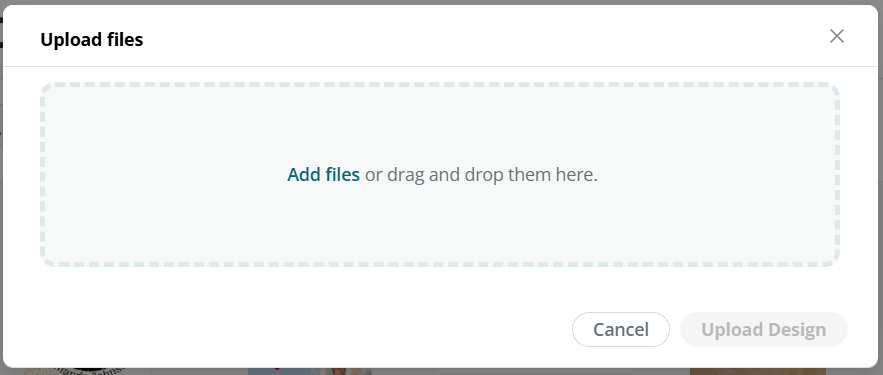
- Click the Upload Design button. You will then see the design appear in your Designs area.
🗒️Helpful Tips & Information
- PDF files must be unflattened so that Corjl can access the design's layers.
- Images contained in the design will automatically be added to the Images area of your Editor and Assets tab.
- Fonts will not transfer, only text. You will need to upload the fonts used in the design separately and then apply them to the text in the design.
- Images and text using clipping masks will become unclipped during the upload process and will need to be reapplied.