Listing Settings - Miscellaneous Tab
The Miscellaneous Tab (Misc. Tab) is where you can find settings that will be applied to all designs in the listing.
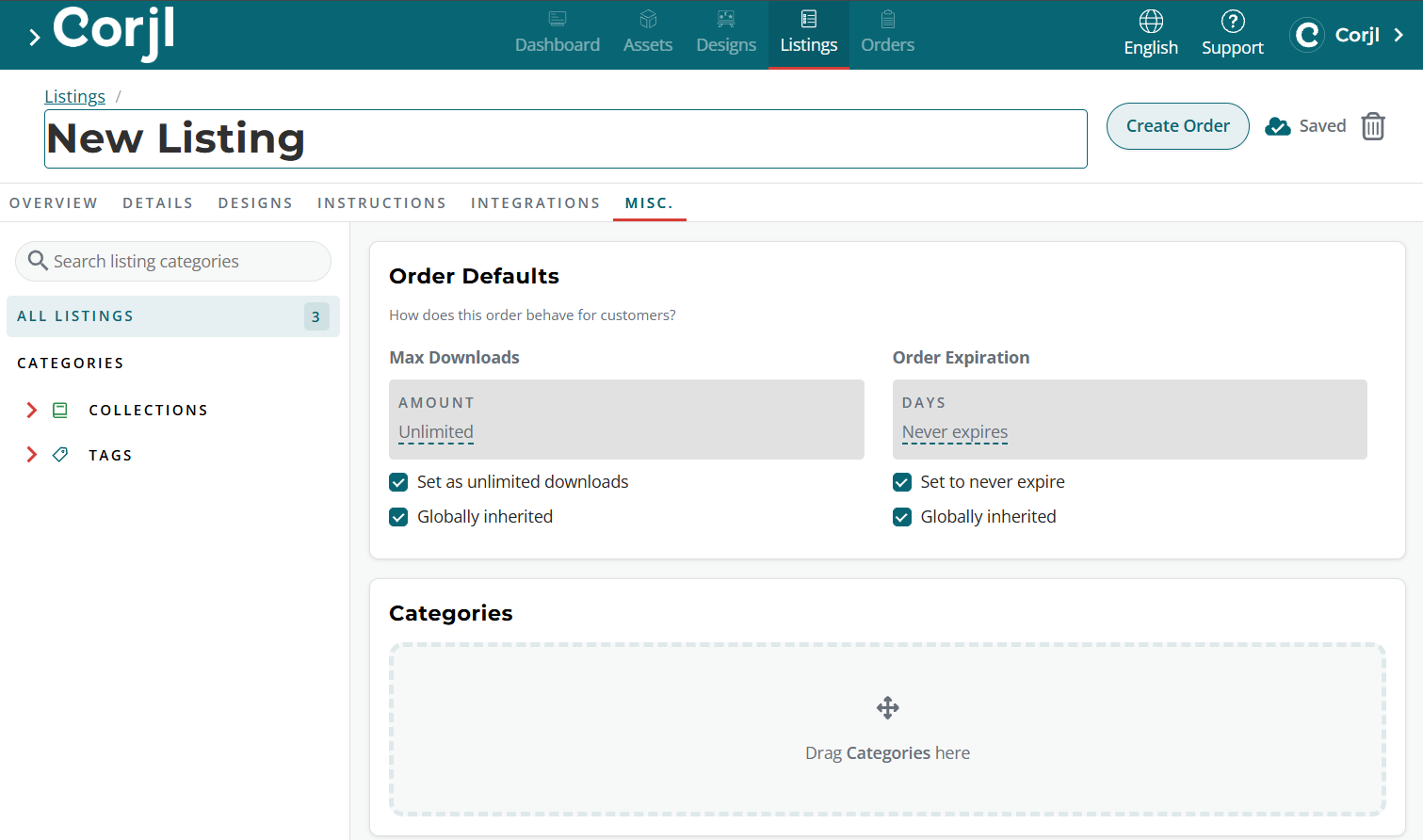
Order Defaults
Max Download Limits & Expiration – You can set and adjust the download limits and design expiration time for the listing as a whole using the options in this section.
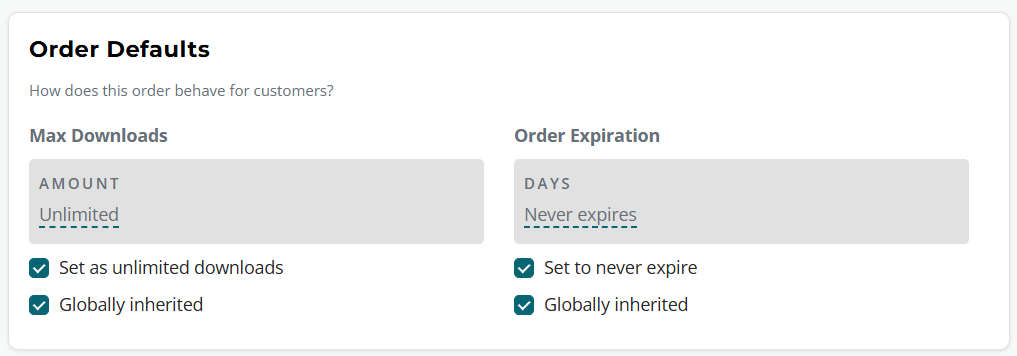
Global Inheritance for Downloads and Expiration – When the Globally inherited boxes are checked and dashed lines appear below the download Amount and expiration Days, it shows that these values are linked to your Global Listing Settings.
Any changes made in your Global Settings will automatically update all Listings with global inheritance enabled.
By default, all designs within a Listing will also inherit these settings and will update when changes are made at the Global or Listing level. To override these settings for individual designs, go to the Designs tab in the Listing.
Please note: For more information on how the Global Inheritance feature works for bulk updating settings, please visit the Global Inheritance Feature article.
Listing Categories
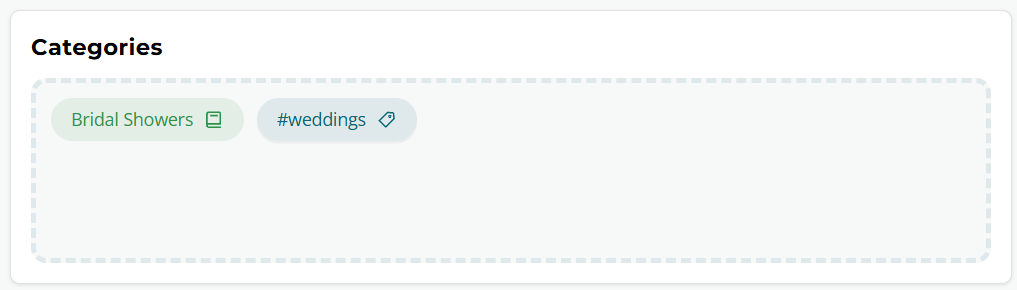
You can also view what categories the listing is associated with on the Misc. page. Any assigned categories will appear in the Categories section at the bottom of the page.
New category assignments can be made in this area as well by dragging and dropping the name of the Folder, Collection, or Tag you wish to add into this area.